
Fetch

By Fetch
- ✓ Tax Management
- ✓ Spend Management
- ✓ Revenue Recognition
- ✓ Purchasing
- ✓ Project Accounting
- ✓ Payroll
- ✓ Multi-Currency
- ✓ General Ledger
- ✓ Fixed Asset Management
- ✓ Expense Tracking
- ✓ CPA Firms
- ✓ Collections
- ✓ Cash Management
- ✓ Billing and Invoicing
- ✓ Bank Reconciliation
- ✓ Accounts Receivable
- ✓ Accounts Payable
- Unlimited expenses
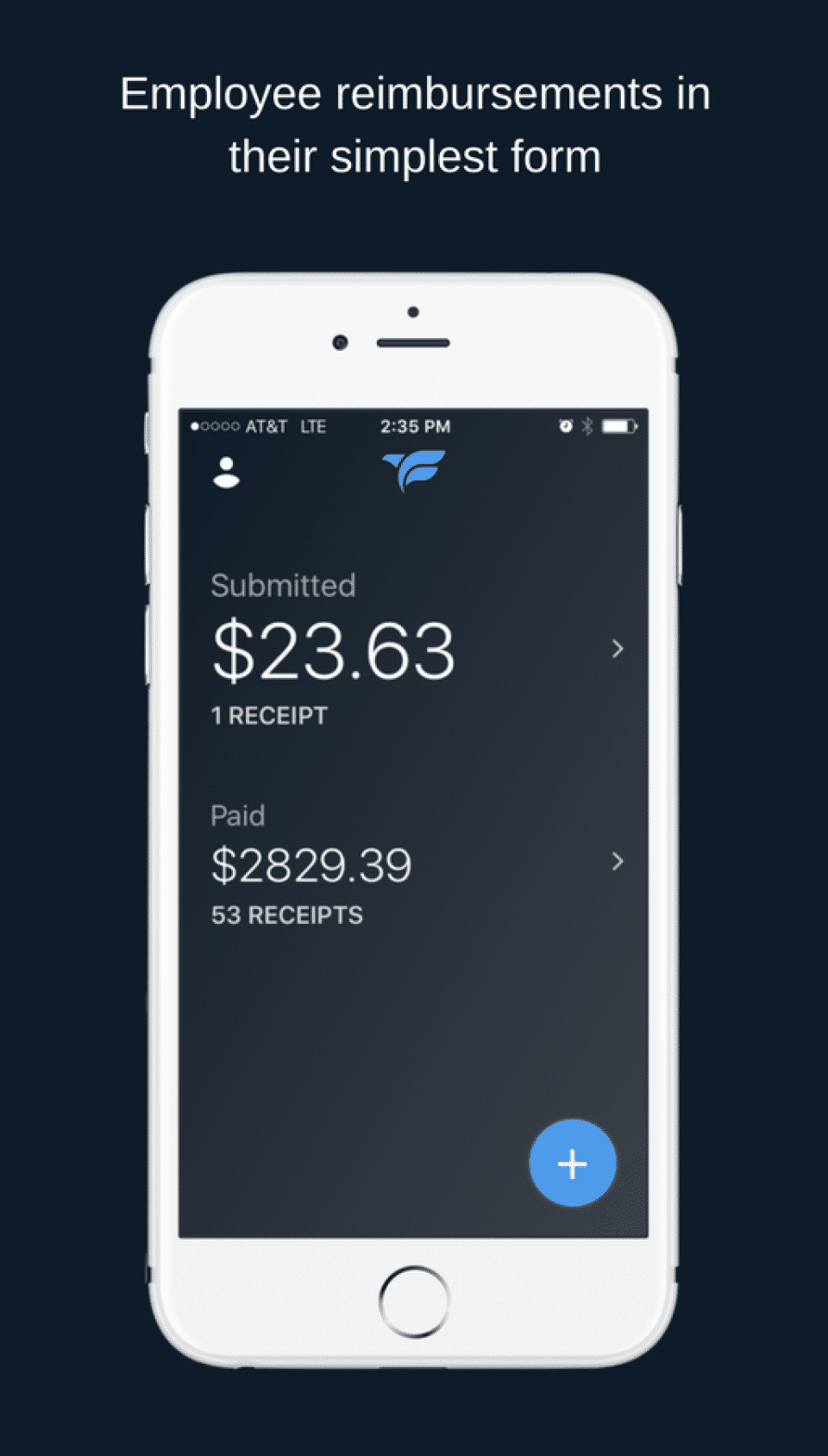
- Free iOS and Android apps
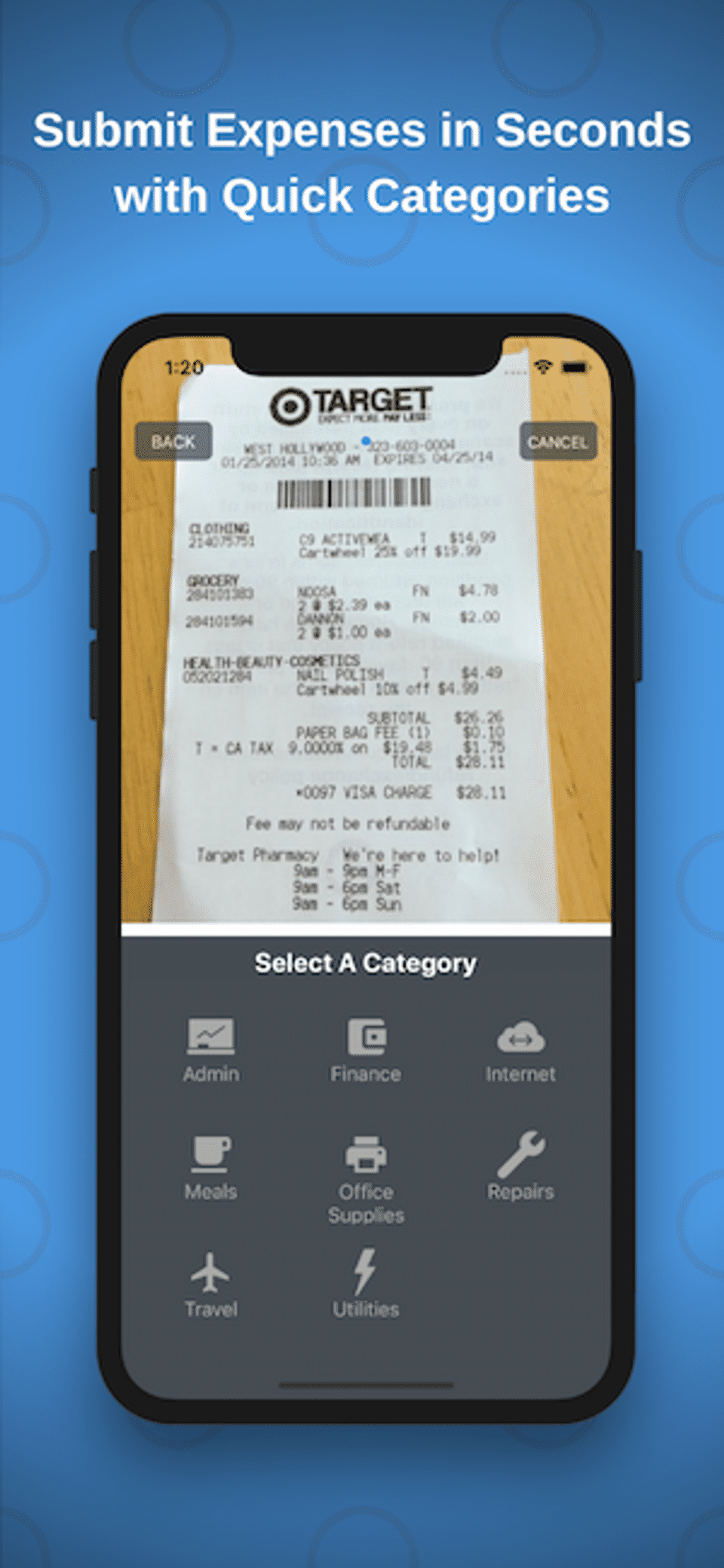
- Photo and email expense submission
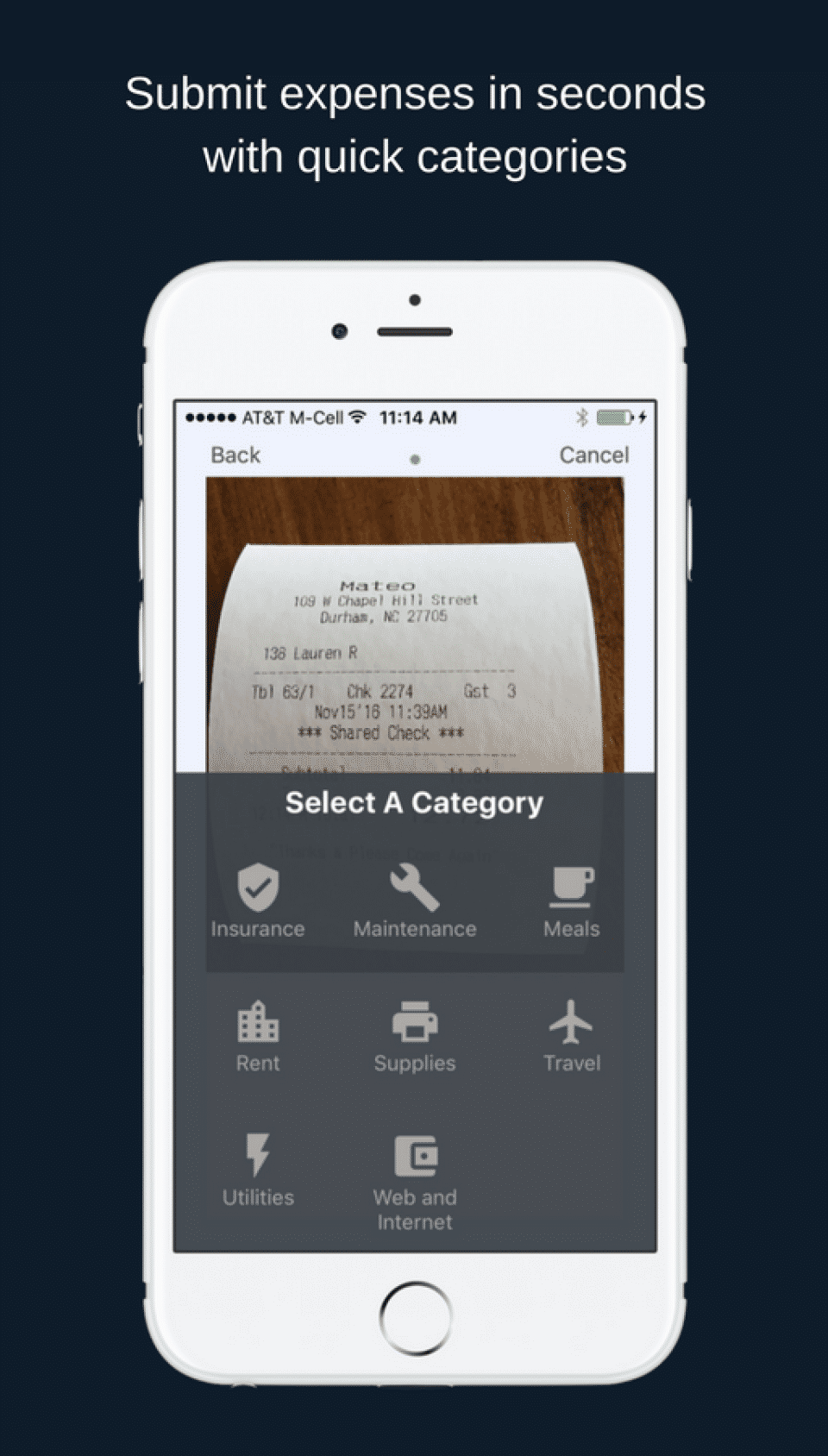
- Customizable expense categories
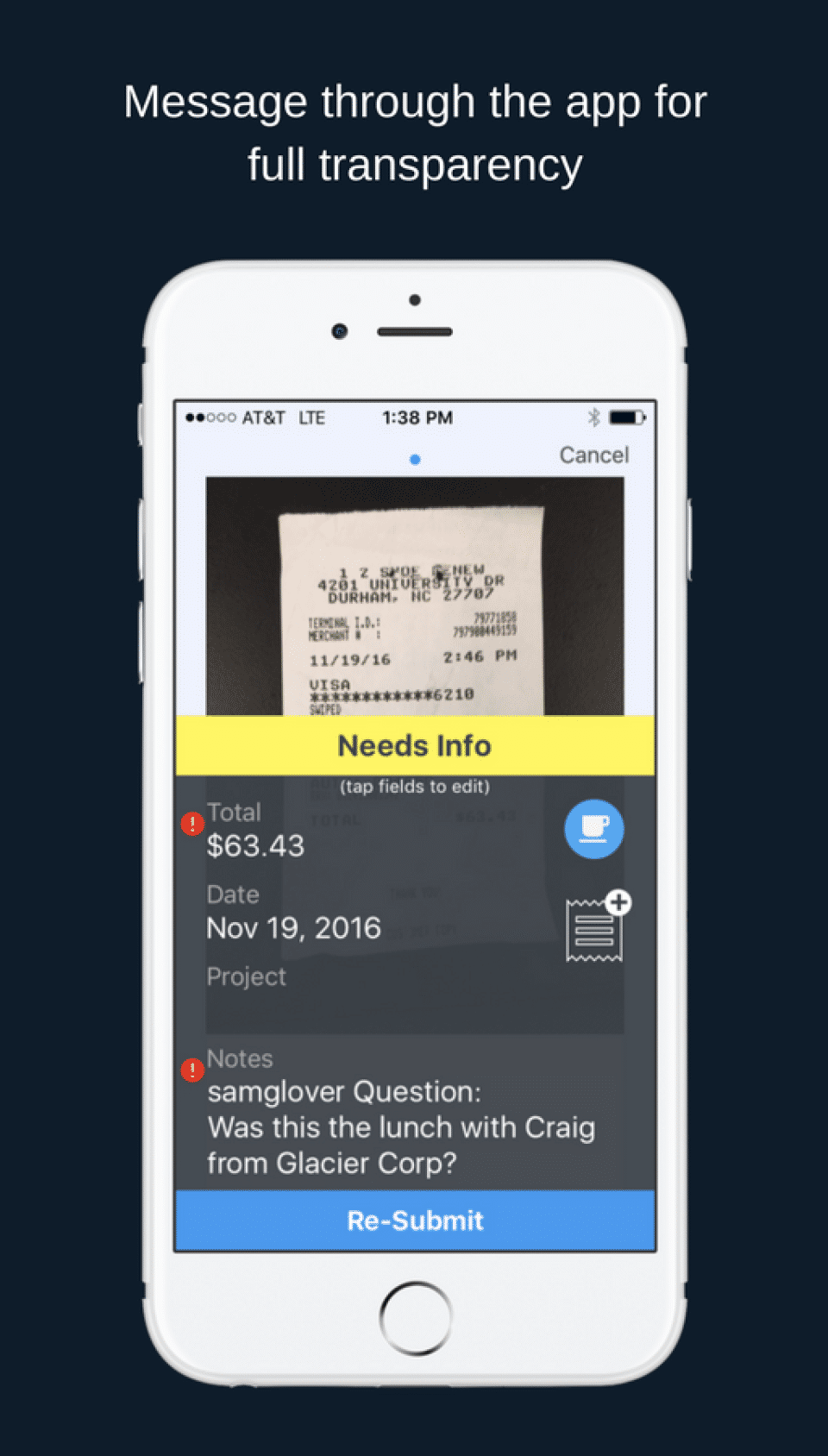
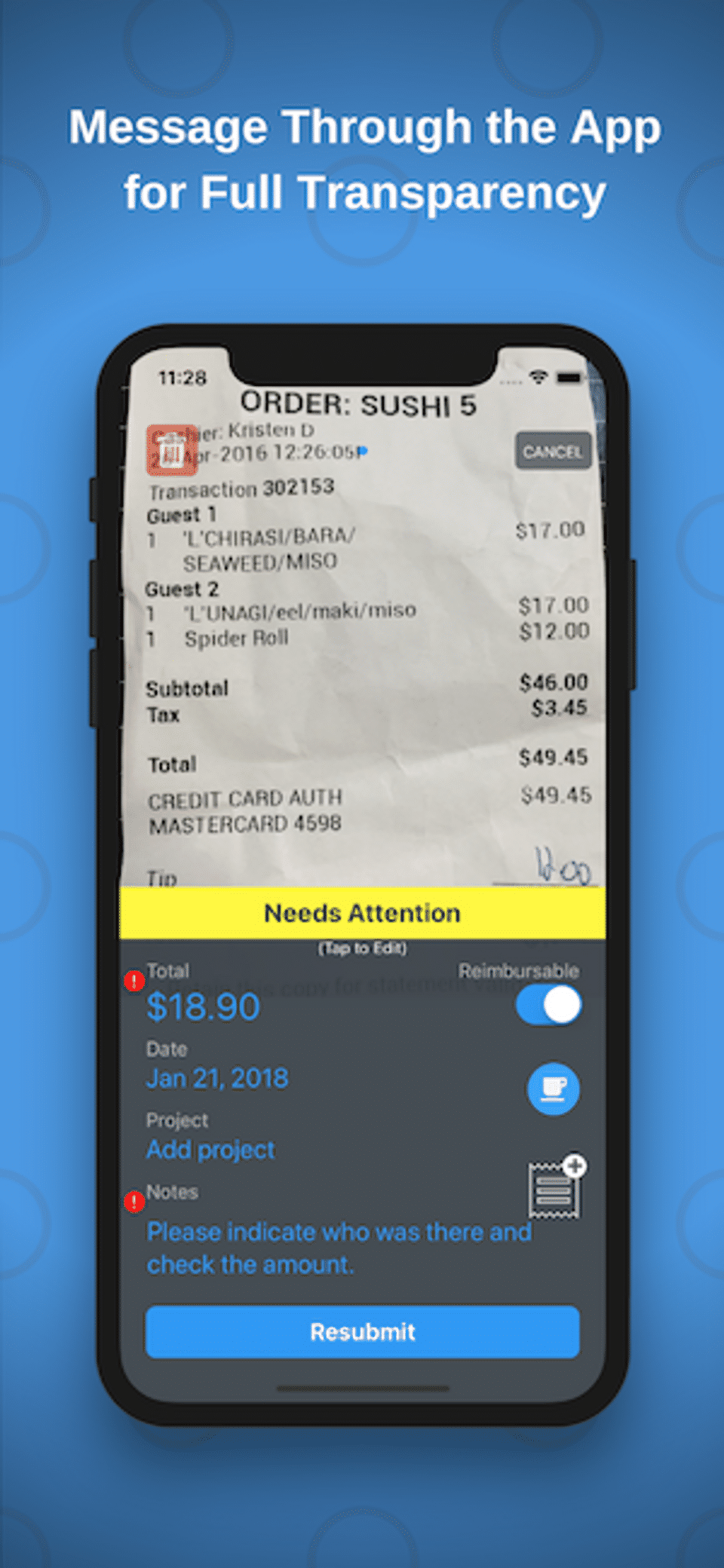
- In-app messaging
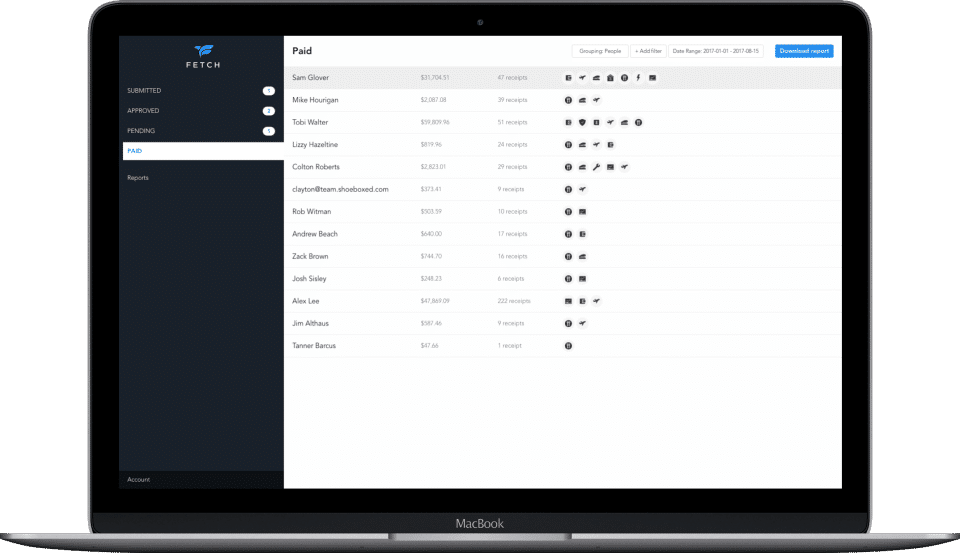
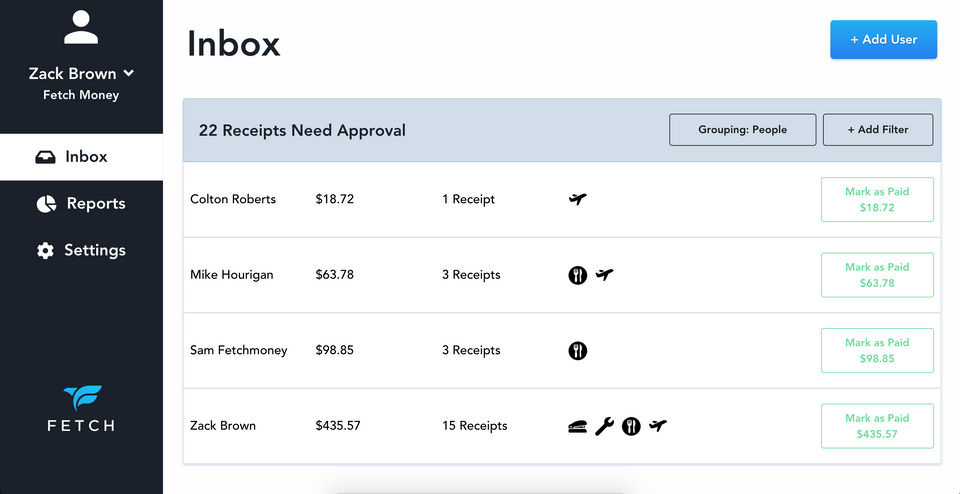
- Personalized approval and payment flows
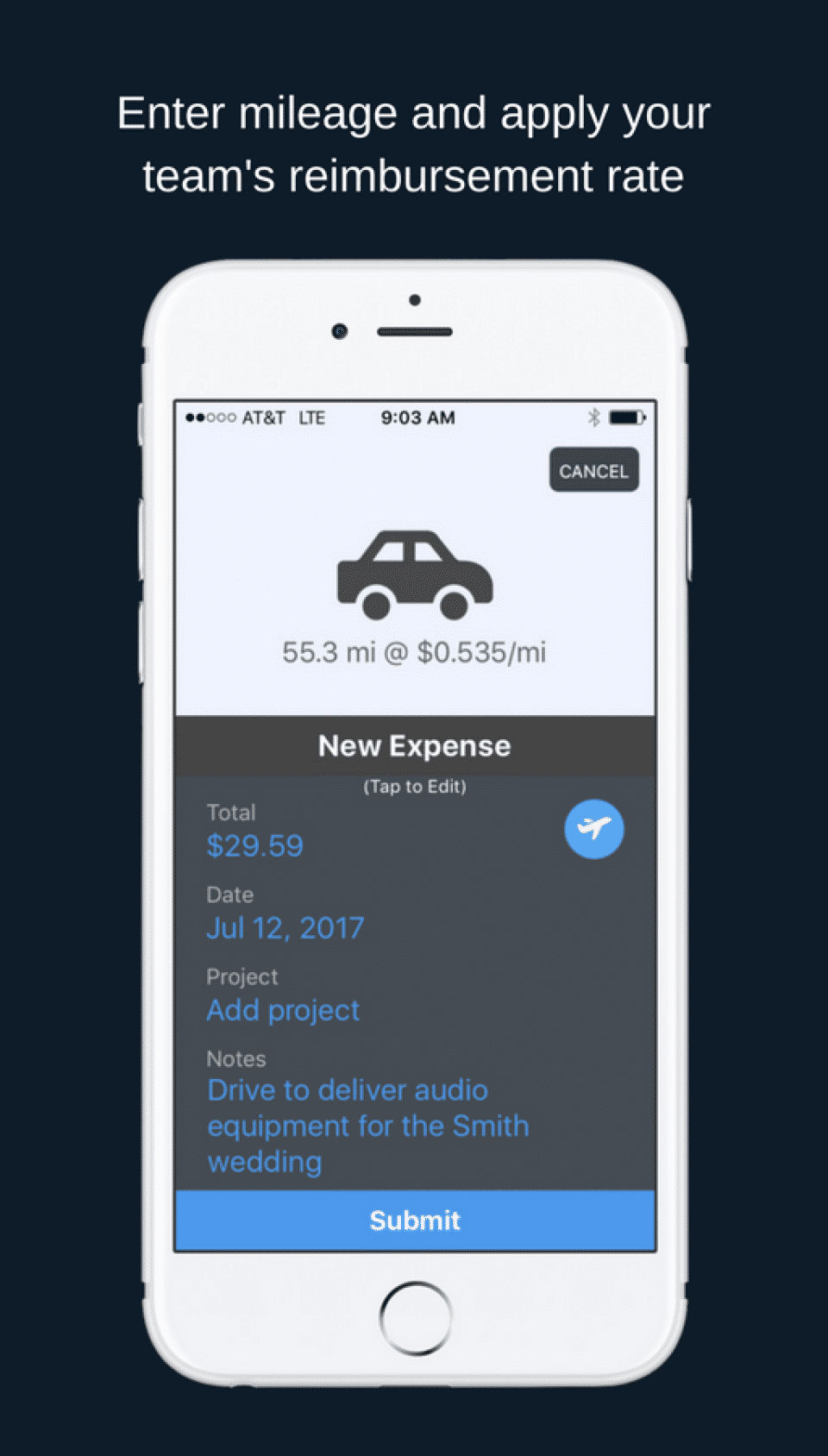
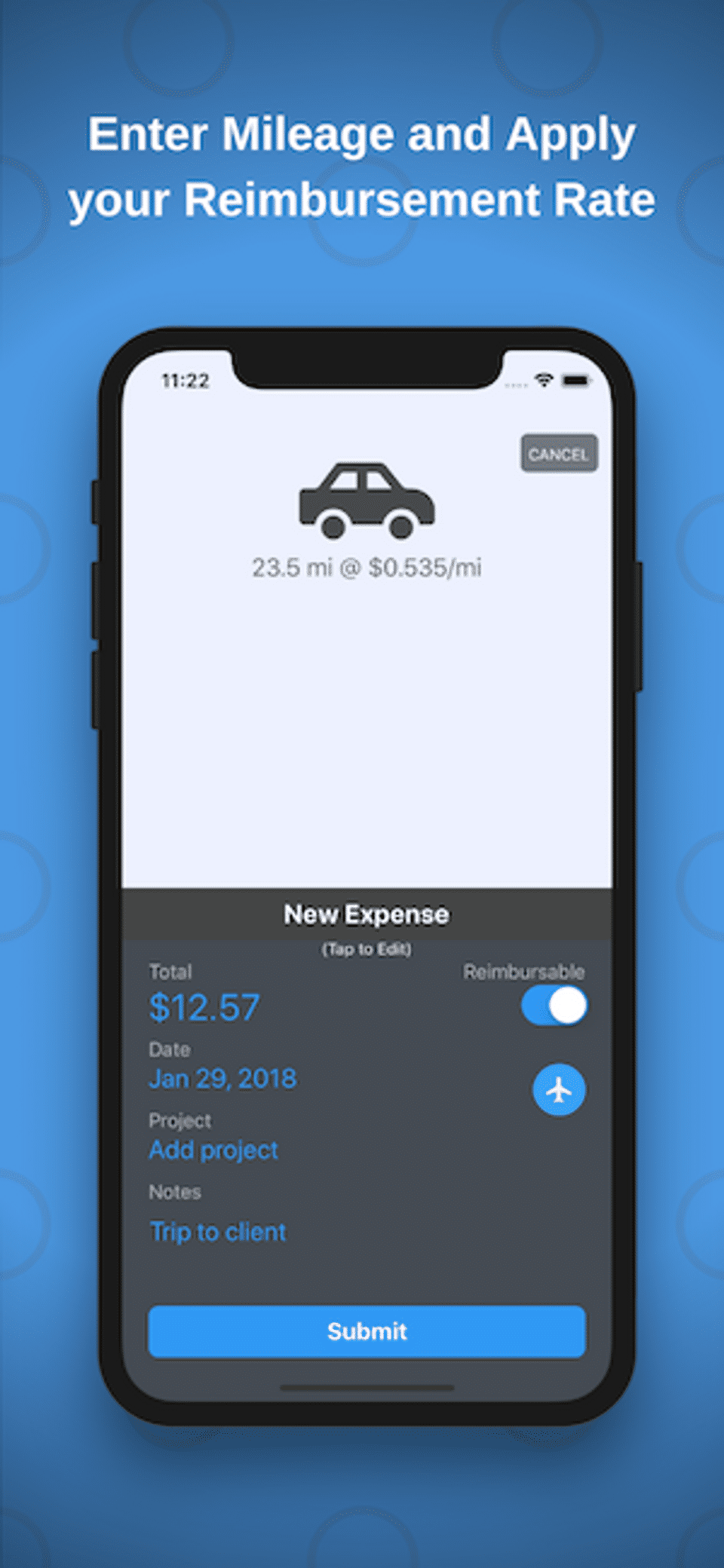
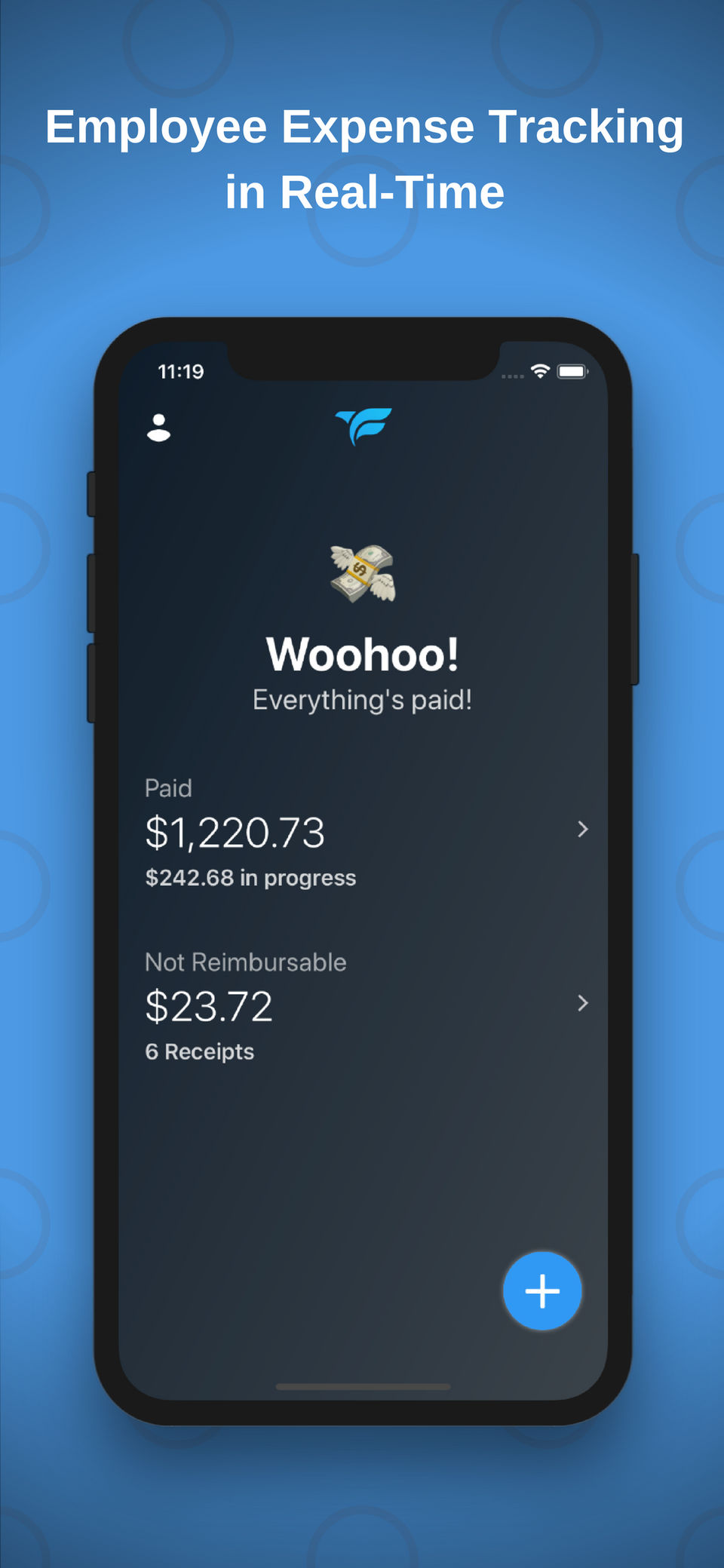
- Supports reimbursable plus non-reimbursable expenses
- ACH deposits
- Simple
- flexible reporting
- Viewable receipt images for each expense
- Free dedicated support rep just for you
- Unlimited expenses
- Free iOS and Android apps
- Photo and email expense submission
- Customizable expense categories
- In-app messaging
- Personalized approval and pa
What do you like best? Scanning of receipts which convert to an expense line What do you dislike? Dislike the frequent emails. Would rather get a weekly spreadsheet of expenses What business problems are you solving with the product? What bene...
What do you like best? The ease of uploading receipts, the ability to categorize expenses, the east to approving and paying on the backend What do you dislike? The new interface is WEIRD, everything is SO big, and the functionality seems to be bu...
What do you like best? I can take a picture and turn in my receipt immediately - no throwing it my purse and hoping I remember to turn it into the office! It makes life so much easier. What do you dislike? I dislike that the reimburse button is ...
What do you like best? I like the ease and quickness of getting receipts recorded. There isn't any lag time from my app to our accounting manager. What do you dislike? Unless I am missing something, I don't see a way to split a receipt into more ...
PROS & CONS What are the best aspects of this product? The simplicity. The mobile app only includes what is absolutely necessary, so it's impossible for me to screw something up, and it only takes a few seconds to submit a receipt. I also like...
Fetch offers 1 pricing plan(s):
- Fetch — USD9.95 /User/Month
Fetch is a Accounting Software solution. Top features include:
- Tax Management
- Spend Management
- Revenue Recognition
- Purchasing
- Project Accounting
Yes, Fetch offers a 0-day free trial.
Fetch provides Phone,Online (Ticket),Business Hours support.
Fetch is Cloud Hosted software.
Fetch provides Help Guides,Video Guides,Blogs for training.


