
Overleaf

By Overleaf
- Number of collaborators : 1
- Unlimited private projects
- Real-time collaboration
- Thousands of templates
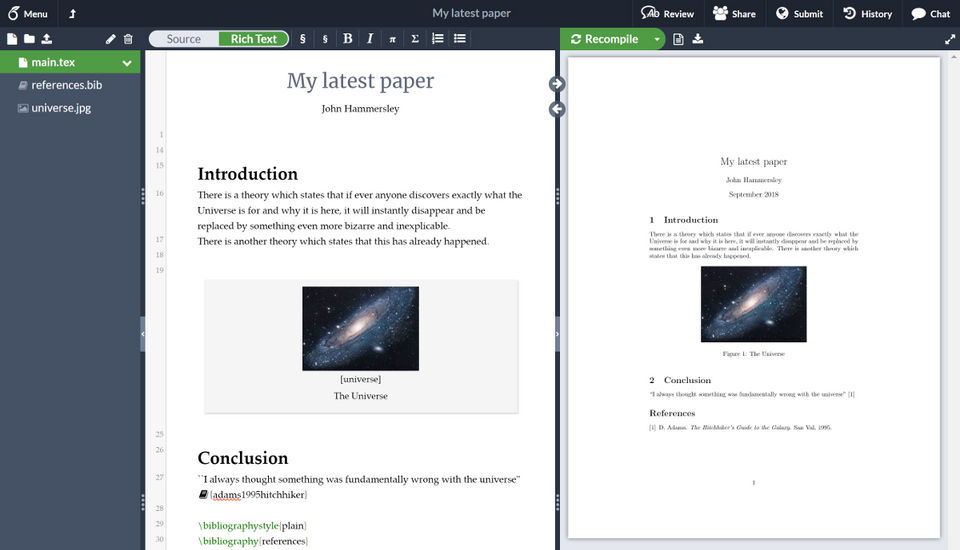
- Powerful LaTeX editor
- Number of collaborators : 1
- Unlimited private projects
- Real-time collaboration
- Thousands of templates
- Powerful LaTeX editor
- Number of collaborators : 6
- Includes features of Personal plan
- plus
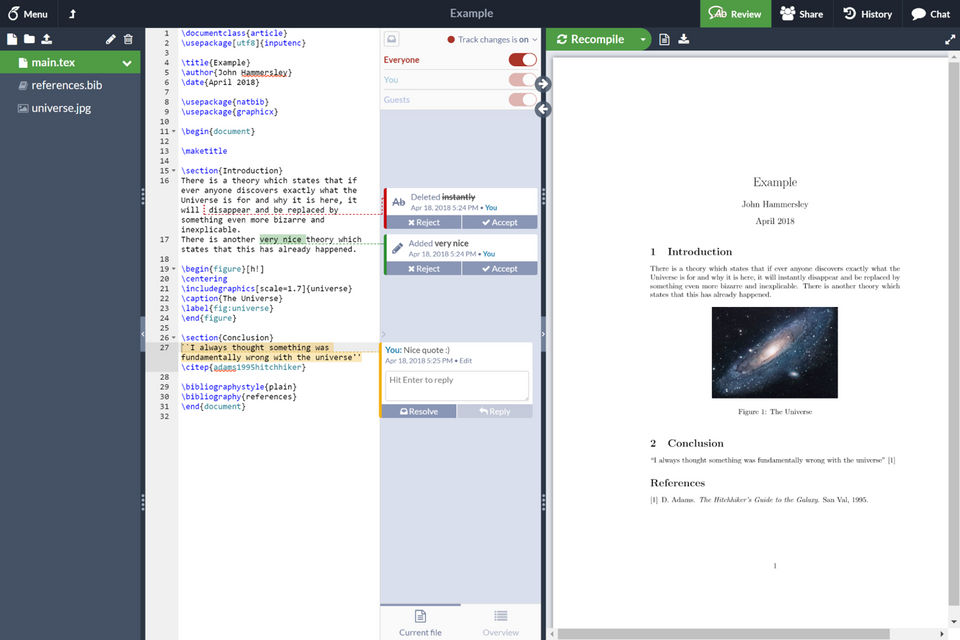
- Real-time track changes
- Advanced reference search
- Reference manager sync
- Full document history
- Dropbox integration
- GitHub integration
- Priority support
- Number of collaborators : 6
- Includes features of Personal plan
- plus
- Real-time track changes
- Advanced reference search
- Reference manager sync
- Full document history
- Dropbox integration
- GitHub integration
- Priority support
- Number of collaborators : Unlimited
- Includes features of Collaborator plan
- Number of collaborators : Unlimited
- Includes features of Collaborator plan
non non non non
What do you like best? The ability to share LaTeX documents and work simultaneously on them is amazing. What do you dislike? Local IDE's like texmaker or LaTeXtools for Sublime Text offer the ability to work on documents offline, as wel...
What do you like best? I like how easy it is to make slides for presentations and the easy with which you and coworkers can edit the same file. What do you dislike? I think the design of the software is not as nice as some others out th...
What do you like best? Easy to use, great for online collaborative work, What do you dislike? Need to have a internet connection, Need to pay to save to Dropbox Recommendations to others considering the produc...
What do you like best? It helped me learn and use LaTex. I used LaTex in my PhD study. I was planning to submit a paper to a technical conference. My paper had a lot of tables so LaTex was preferred compared to Microsoft Word. It may take some time...
Overleaf offers 3 pricing plan(s):
- Personal — USD0.00
- Student — USD15.00 /Month
- Professional — USD30.00 /Month
Yes, Overleaf offers a 0-day free trial.
Overleaf provides Online (Ticket) support.
Overleaf is Cloud Hosted software.
Overleaf provides Help Guides,Blogs,Video Guides for training.


