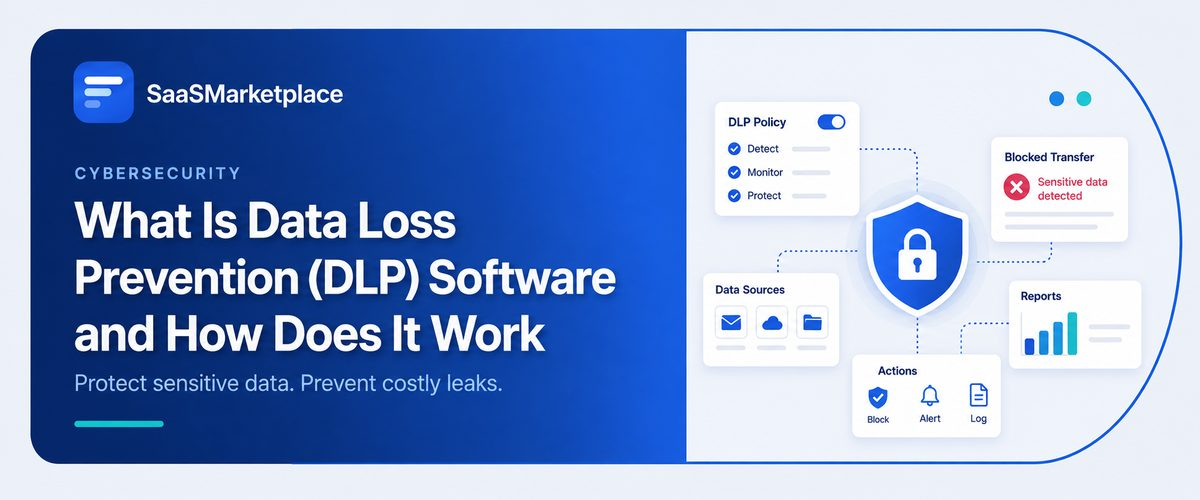
What Is Data Loss Prevention (DLP) Software and How Does It Work
-min.jpg)
Somebody attaches the wrong spreadsheet to an outgoing email. A salesperson exports a client list a few days before quitting. A cloud folder gets misconfigured and sits open to anyone with the link. None of that looks like a breach in the traditional sense, and yet incidents like these make up a large share of the data exposure US companies deal with every year. This particular category of risk is what Data Loss Prevention (DLP) software is built for. Instead of watching the perimeter for outside attackers, it pays attention to how sensitive information moves around inside the organization itself, flagging anything that breaks policy and stepping in before data leaves in a way it shouldn't. Companies sitting on customer records, financial data, or intellectual property have come to treat that kind of internal visibility as seriously as they treat any firewall.
 Looking for Data Loss Prevention (DLP) Software? Check out SaaS Marketplace’s List of the Best Data Loss Prevention (DLP) Software in the USA for your business.
Key Takeaways
- DLP software watches how sensitive data travels through email, endpoints, cloud storage, the network and steps in wherever policy calls for it.
- On its own, it's incomplete. DLP earns its keep as one piece of a broader cybersecurity software stack, not as a fix by itself.
- Most data loss traces back to employee mistakes or insider misuse. External attackers aren't the main story here.
- Effective DLP depends on accurate data classification a policy can't protect information it can't identify.
- Identity and Access Management software and SIEM software both play a supporting role in making DLP alerts meaningful rather than noisy.
What DLP Software Actually Does
Describing the job is easy enough: find the sensitive data, know where it lives, watch what happens to it once people start working with it. Pulling that off is the hard part. Day to day, it looks like keeping an eye on email attachments, file transfers, USB drives, cloud uploads, and print jobs, and checking each one against whatever policy's in place. A Social Security number heading out through someone's personal webmail account, or a contract landing on a file-sharing site nobody approved that's the kind of thing the policy is there to catch.
What happens after DLP software catches a violation comes down to how the rule was set up. Some just log the event for someone to review later. Others block the transfer on the spot, or throw up a warning and ask the user to confirm the action was intentional. That range matters, because most flagged events turn out to be honest mistakes rather than anything malicious and a system that blocks indiscriminately doesn't stay trusted for long. It just trains people to route around it.
Worth being honest about the limits here too. A determined insider with real technical skill will usually find a workaround no matter what DLP isn't built to stop that, and it was never meant to replace encryption, backups, or access control either. Its job stays narrow on purpose: watch how sensitive data moves, and catch the policy violations that would otherwise slip by unnoticed.
Why DLP Became a Priority for US Companies
For a long time, security budgets leaned heavily toward keeping outsiders out. Firewalls, intrusion detection, endpoint protection nearly everything in the traditional stack was built on the assumption that trouble comes from outside. That was always a half-truth, and it got harder to defend once remote work, cloud storage, and personal devices started dissolving the line between "inside" and "outside" the corporate network altogether.
Regulatory pressure added weight to the shift. Healthcare organizations answer to HIPAA, financial firms answer to regulations like GLBA, and companies across industries now navigate a growing patchwork of state privacy laws. Many of these rules require organizations to demonstrate they took reasonable steps to protect sensitive data, and an auditor asking "how do you prevent this data from leaving the organization" is a hard question to answer convincingly without something like DLP in place.
There's also the insider risk piece, which companies are often reluctant to discuss openly but can't ignore. Teams usually discover this risk after a departing employee, whether leaving on good terms or not, takes files they shouldn't. Sometimes it's competitive intent. More often it's simple habit: someone forwarding work files to a personal account because that's how they've always worked, without thinking about where that data ends up.
The Cloud and Remote Work Factor
Cloud storage and SaaS tools didn't invent this problem, but they made it a much bigger one to manage. Data that would once have lived on a single company server now sits scattered across dozens of platforms, personal devices, and whatever browser tabs happen to be open.
Many businesses assume their cloud provider's built-in security covers this exposure, but in practice, most cloud platforms weren't designed to enforce an individual company's data handling policies. That's exactly the gap DLP tools are built to close.
How DLP Fits Into the Broader Security Stack
DLP rarely operates as a standalone tool. It works best woven into a wider set of protections, each covering a different angle of the same underlying problem: keeping sensitive data where it belongs.
Cybersecurity Software
DLP sits as one piece within a company's broader cybersecurity software environment. On its own, it addresses data movement, but it depends on other tools to handle threat detection, malware defense, and the rest of the security picture. Companies that treat DLP as a complete solution by itself usually end up with blind spots elsewhere.
Data Security Software
Where DLP focuses on movement and exposure, data security software more broadly covers encryption, tokenization, and protecting data at rest. The two overlap in intent but not in mechanism DLP watches for policy violations in real time, while broader data security tools protect the underlying data itself regardless of where it sits.
Network Security Software
Since a meaningful share of data loss happens over network channels email, web uploads, file transfers network security software gives DLP the visibility it needs into traffic patterns. Network-level DLP capabilities often catch large or unusual data transfers that endpoint-level monitoring alone would miss.
Cloud Security Software
As more sensitive data moves into SaaS platforms and cloud storage, cloud security software extends DLP-style monitoring into environments a traditional network-based tool can't see. This has become one of the fastest growing areas of DLP deployment, since so much of a modern company's sensitive data no longer sits on infrastructure it directly controls.
Endpoint Security Software
Laptops, USB drives, and personal devices remain a common exit point for sensitive files. Endpoint security software paired with DLP policies can restrict what leaves a device through removable media or unauthorized applications, closing a gap that purely network-based monitoring can't cover on its own.
Identity and Access Management Software
DLP policies work far better when they know who's actually accessing the data. Identity and Access Management software governs who can reach which systems and files in the first place, which reduces the volume of DLP alerts by preventing unauthorized access before it becomes a data movement problem at all.
Security Information and Event Management (SIEM) Software
DLP tools generate a steady stream of alerts, and not all of them matter equally. Pulling that DLP data into a SIEM platform, alongside signals from other security tools, is what turns isolated alerts into something useful. A single user tripping several low-level alerts across different channels might not raise an eyebrow on its own but seen together, in context, it's the kind of pattern a SIEM setup is built to surface.
Common Mistakes Companies Make
DLP rollouts tend to go wrong in a handful of predictable ways, and the software is rarely the actual cause.
- Skipping data classification: DLP software can't protect what it can't identify. Companies that deploy DLP without first classifying their sensitive data customer records, financial information, intellectual property end up with policies that either miss real risks or flag far too much irrelevant activity.
- Setting overly strict blocking policies from day one: Block every single flagged action right out of the gate, and employees don't stay patient for long they start finding workarounds, personal devices among them, to route around the system entirely. Smaller companies especially tend to underestimate this and roll out aggressive blocking before the organization has any trust in the system yet.
- Treating DLP as purely a technology project: IT deploys the software on its own, without pulling in legal, HR, or department leaders to help define what actually counts as a policy violation a mistake that shows up often enough during implementation to be worth flagging on its own. Without that input, the rules end up either too vague or disconnected from how the business actually operates.
- Ignoring cloud and SaaS coverage:It's common to see DLP configured carefully for email and endpoints while cloud storage and SaaS platforms go largely unwatched which misses a growing share of where sensitive data actually moves today.
- No plan for alert review:DLP without someone actively reviewing and acting on its alerts is close to worthless. After the first few months, many organizations realize the software was flagging real issues the entire time nobody was assigned to look at the output.
What Makes a DLP Program Actually Stick
There isn't one right rollout plan it varies by industry, by how sensitive the data actually is, and by how mature the company's broader security program already is. Even so, a handful of practices show up again and again in the programs that hold up over time.
- Start with classification: Figure out what data actually needs protecting, and where it lives, before writing a single policy. This step alone tends to turn up sensitive information in places nobody thought to look old file exports, a shared drive someone forgot about years ago.
- Roll out in monitoring mode first: A lot of security teams resist the urge to block right away, and instead log violations quietly for a while first. Doing that first gives a realistic sense of what normal behavior actually looks like, and policies are a lot easier to tune once enforcement hasn't already kicked in and started shaping how people work around it.
When DLP Alone Isn't Enough
DLP software lowers risk, but it doesn't touch the underlying reasons data loss happens in the first place. Someone with legitimate access, technical know-how, and real intent to get around monitoring rules will often find a way DLP tools were never really built to catch every creative workaround out there.
Company size and risk profile change what a reasonable DLP program looks like. A healthcare provider handling patient records under HIPAA needs considerably tighter controls than a small business tracking basic customer contact information. Applying enterprise-grade DLP rigor to a company that doesn't handle particularly sensitive data creates friction without a matching security benefit. There's a trade-off worth stating plainly: the stricter the DLP policy, the more it can slow down legitimate work, and employees under enough friction tend to find ways around the system rather than through it. The goal isn't the tightest possible policy it's a policy calibrated to the actual sensitivity of the data and the realistic threats the organization faces.
Conclusion
Data Loss Prevention software gives organizations visibility into something that used to be nearly invisible: how sensitive data actually moves once it's inside the company. The programs that work well aren't necessarily running the most expensive tool they're the ones that classified their data honestly, involved the right people in setting policy, and treated DLP as an ongoing practice rather than a one-time deployment.
FAQ's
DLP focuses specifically on monitoring and controlling how sensitive data moves. Broader cybersecurity software covers a wider range of threats, including malware, network intrusions, and external attacks.
Not directly. DLP is designed to catch data leaving through legitimate channels, whether by mistake or intent. It works alongside network and endpoint security tools that focus on stopping outside attackers.
Yes, modern DLP tools increasingly integrate with cloud security software to monitor platforms like file-sharing services and collaboration tools, not just email and local devices.
Not universally, but regulations like HIPAA and various state privacy laws require reasonable safeguards against data exposure, and DLP is commonly used to help satisfy that requirement.
It depends on configuration. Poorly tuned DLP policies can block legitimate work and frustrate employees, while a well-calibrated program, especially one that starts in monitoring mode, tends to operate with minimal day-to-day disruption.