What Is Recruitment CRM Software and How Does It Speed Up Hiring?
-min.jpg)
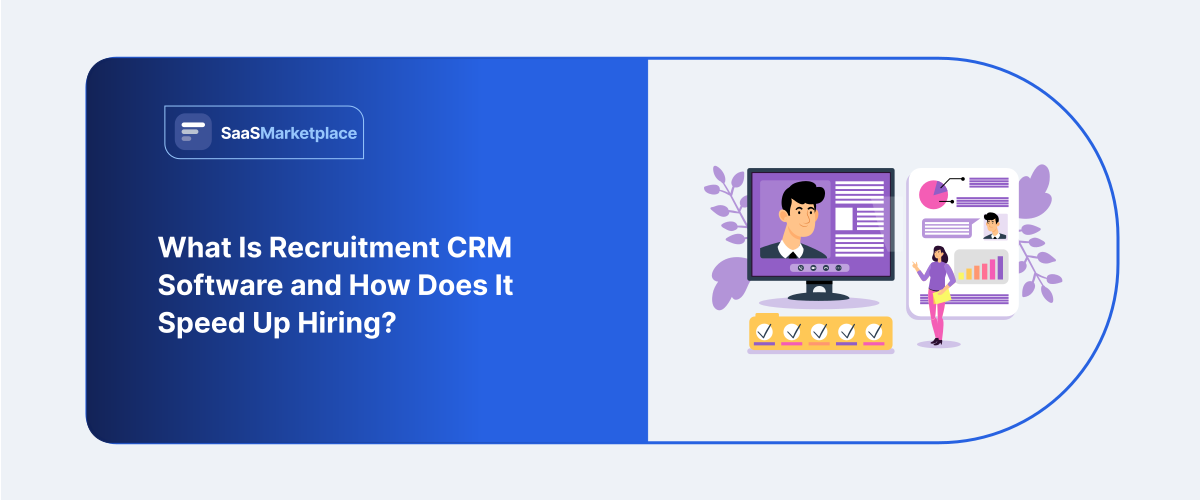
A recruiter sources a strong candidate, and the role ends up going to someone else. Fast forward six months, and a new opening comes along that's a near-perfect match for that same person, except nobody remembers they exist, since their details got buried in an email thread weeks back. That candidate lands a job somewhere else, and the company starts sourcing from zero for a role it had already half-solved. That's the waste a recruitment CRM is meant to prevent. It holds onto a running record of everyone a company has ever engaged with not just people who applied, but passive candidates, past interviewees, and former employees too so recruiters have something to search instead of starting cold every time a role opens up.
 Looking for Recruitment CRM Software? Check out SaaS Marketplace’s List of the Best Recruitment CRM Software in USA for your business.
Organizations employing staff on a consistent basis often discover that this single element outweighs the utility of every specific sourcing instrument currently deployed. The subsequent discussion outlines precisely what a recruitment customer relationship management platform accomplishes, distinguishes its function from an applicant tracking solution, estimates approximate pricing structures, and identifies circumstances under which a group truly requires such a system.
What Recruitment CRM Software Actually Does
Fundamentally, a recruiting CRM software functions as a repository containing individuals such as prospects, former applicants, introductions, and inactive leads drawn from platforms like LinkedIn or other origins, annotated sufficiently so recruiters may query it effectively at a subsequent stage. Competencies, historical interview observations, compensation demands, reasons for rejection during initial rounds, current availability for positions. All of it sits in one place instead of scattered across a recruiter's inbox and personal notes.
What makes the record useful isn't just storage, though: a recruiter opening a new role can search the existing database for anyone who fits, rather than starting outreach cold, and that alone often turns up candidates faster than a fresh sourcing campaign would, especially for roles the company's hired for before.
Larger talent acquisition teams also use CRM tools to run structured nurture campaigns and periodic check-ins with strong candidates who weren't right for a past role, keeping the relationship warm until something opens up that actually fits. Smaller teams keep it looser: tag the good ones, and check back on that list whenever it crosses someone's mind.
Recruitment CRM vs. Applicant Tracking System
This trips people up all the time, so it's worth spelling out plainly. An applicant tracking system, or ATS, manages candidates who've actually applied for a specific role, moving them through screening, interview, offer, hire, all tied to that one job requisition.
A CRM operates on a longer timeline and a wider net. It holds candidates who haven't applied to anything yet, people sourced proactively, former applicants who didn't get an offer but were strong, and even past employees who might be worth a rehire conversation down the line. Where an ATS is built around a hiring process, a CRM is built around a relationship that outlasts any single opening.
Most recruiting software teams end up using both, and the better platforms in this space combine the two or integrate tightly between them. A candidate can move from the CRM's talent pool into an ATS pipeline the moment a matching role opens, without a recruiter manually copying information between two disconnected systems.
How It Speeds Up Hiring
The speed gain isn't theoretical it shows up in a few specific, repeatable ways. When recruiters can pull a shortlist from what's already in the database, rather than starting a sourcing campaign cold, time-to-fill tends to drop for roles the company's hired for before.
Referral and past-candidate reuse is another lever. A candidate who interviewed well for one role but lost out to someone else is exactly the kind of person a CRM is meant to resurface the next time a similar opening comes up, instead of relying on a recruiter happening to remember them months later.
There's also a pipeline-visibility angle that matters at the team level. A hiring manager or recruiting lead can see the health of the overall talent pool for a given role type, not just the candidates currently in an active pipeline, which makes it easier to spot early when a role is going to be hard to fill and needs sourcing to start sooner.
None of this works, though, if candidate data goes stale. A CRM full of contacts nobody's re-engaged in two years isn't really a talent pool anymore it's a graveyard of outdated information, and recruiters usually figure that out the hard way, after several rounds of outreach bouncing off contacts who've long since moved on.
Core Features to Expect
Most recruitment CRM platforms share a similar baseline:
- Candidate database and tagging: searchable records with skills, notes, and status
- Sourcing integrations: pulling contacts in from LinkedIn, job boards, or browser extensions
- Talent pool segmentation: grouping candidates by role type, skill set, or pipeline stage
- Automated nurture campaigns: scheduled check-ins or content sent to passive candidates
- ATS integration: syncing candidates between the CRM and active hiring pipelines
- Reporting on sourcing effectiveness: where strong candidates are actually coming from
- Team collaboration tools: shared notes so multiple recruiters aren't duplicating outreach
Some platforms go a step further with AI-assisted candidate matching or predictive scoring, which pays off once a team's hiring at real volume but tends to sit unused on a company only filling a handful of roles a year.
What It Costs
Smaller teams generally start around $50–$100 per recruiter per month for the basics: candidate database, tagging, simple outreach tools. Move up to $100–$250 and sourcing integrations, nurture automation, and better reporting come standard. Past $400 per recruiter per month, you're typically in enterprise territory built for high-volume talent acquisition, often with AI-matching and custom integrations bundled in.
One cost that catches teams off guard: sourcing integrations, especially LinkedIn Recruiter connections, often come with their own separate licensing fees on top of the CRM subscription itself. It's worth pricing that out before assuming the CRM's sticker price is the full cost of the setup.
Common Rollout Mistakes
Treating the CRM as a passive database rather than an active tool is probably the most common failure mode. A recruiter who never revisits the talent pool between openings gets none of the speed benefit the value comes from actually searching and re-engaging that database, not just building it.
Importing years of unqualified contacts without cleanup is another one. A CRM stuffed with outdated LinkedIn connections and unresponsive candidates ends up wasting more recruiter time than it saves, since sorting through stale data becomes its own job.
Underestimating the tagging discipline required is a subtler mistake. A candidate record without meaningful notes on why they didn't get the last role or what they're actually looking for now isn't much more useful than a name in a spreadsheet. The CRM only pays off if recruiters take the extra minute to make records genuinely searchable later.
Jumping into automation before the basics are solid trips up plenty of teams too. Set up nurture campaigns before recruiters are even comfortable with the core database, and the result is usually messy, poorly targeted outreach that ends up damaging candidate relationships rather than building them.
When a Team Doesn't Need One Yet
A company hiring for a handful of highly specialized, one-off roles a year probably won't get much value from a recruitment CRM; there's no repeatable pattern to build a talent pool around, and an ATS alone likely covers the need.
The case for a CRM strengthens once a company is hiring repeatedly for similar roles, has multiple recruiters who'd otherwise duplicate outreach to the same people, or is losing good candidates simply because nobody remembers they existed once the original role closed. Once that pattern starts showing up a hiring manager asking, "didn't we already talk to someone like this?" it's usually a sign the team is ready.
How to Choose One
Look at how the team already sources and tracks candidates before looking at any vendor's site the right platform fits that workflow rather than forcing a rebuild of it. If the team's already deep into a particular ATS, favor CRM options with proven, working integrations to that system over ones that only claim compatibility on paper.
Trial any shortlist with a real, messy set of candidate data, not a clean demo list, since that's where tagging and search either prove themselves or fall apart. And bring recruiters into the decision early. They're the ones who'll be searching and populating that database every day, and whether they actually buy in usually decides if the tool sticks or gets quietly abandoned within a few weeks.
Conclusion
Every past candidate interaction becomes something searchable and reusable, instead of vanishing the moment a role closes that's the actual mechanism behind a recruitment CRM. The software isn't what shrinks time-to-hire on its own; it's recruiters actually using it consistently, getting a real head start instead of a cold list every time a role opens. Pick something that matches the team's actual sourcing habits, budget honestly for sourcing integration costs, and give recruiters real time to build the habit of searching before deciding whether it's paying off.
FAQ's
No. An ATS manages candidates through the hiring pipeline for a specific job, while a CRM manages the broader, ongoing relationship with candidates across roles and over time. Most recruiting teams use both together.
Typically $50–$400 per recruiter per month, with the range driven mostly by sourcing integrations and automation features rather than basic database access.
Not always. Companies hiring infrequently or for highly specialized, one-off roles often don't build up enough of a repeatable talent pool to justify one. It pays off most for teams hiring similar roles repeatedly.
Generally, no, they serve different purposes, and most platforms in this space either integrate with a separate ATS or offer both as connected modules rather than one replacing the other.
Recruiters treating it as a database to fill rather than a tool to search. The time savings only materialize if the talent pool actually gets revisited when new roles open, not just built and forgotten.