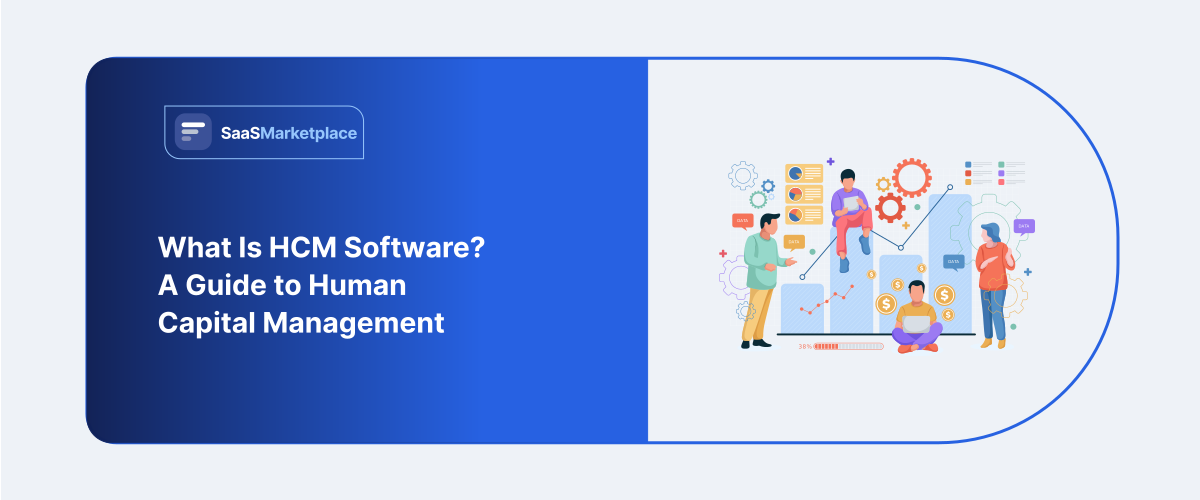
What Is HCM Software? A Guide to Human Capital Management
-min.jpg)
Ask an HR director at a 300-person company what tool they use for payroll, and then ask what they use for performance reviews. Chances are it's not the same system, and chances are someone is exporting spreadsheets between the two by hand every month just to keep the numbers lined up. HCM software is the fix for that particular headache. It's meant to be one platform covering an employee's entire time at the company, hiring through retirement, instead of a pile of separate tools that were never built to talk to each other.
 Looking for HCM Software? Check out SaaS Marketplace’s List of the Best HCM Software in the USA for your business.
The term gets used loosely, though, often as a stand-in for HR software or an HRIS, which causes real confusion when a company sits down to actually compare vendors. They overlap, but they're not the same thing, and the difference isn't just semantic. It changes what a growing organization should be shopping for. Below is a breakdown of what HCM software covers, where it splits from narrower HR tools, and roughly when switching from a patchwork setup to one platform starts to pay off.
Key Takeaways
- HCM software covers the full employee lifecycle recruiting, onboarding, payroll, performance, and workforce planning under one roof.
- HR software and HRIS software tend to be narrower, built around records and administration rather than strategy.
- Human resource management software is usually just another label for HCM, though vendors aren't consistent about it.
- Employee management software overlaps but leans operational; think scheduling and time tracking over lifecycle management.
- Payroll software is typically a module inside a bigger HCM platform, not something that replaces it.
Why HR Systems Fragment as Companies Grow
Nobody sets out to build a fragmented HR stack. A ten-person startup runs payroll through one vendor, tracks time off in a shared spreadsheet, and handles reviews over email because that's what fits a team that size. It works. Mostly. Until headcount grows past what one person can keep straight in their head.
Somewhere around fifty to a hundred employees is usually where the cracks show. HR starts re-entering the same employee data into three or four systems: payroll here, benefits there, maybe an applicant tracking tool that never got connected to anything else. Each piece might work fine on its own. None of them share information. So every change to an employee's record has to happen manually, more than once, and that's where errors sneak in: a raise updates in payroll but not benefits, a new hire shows up in one tool and not the other.
None of this is anyone's fault, exactly. It's just what happens when a company buys tools reactively, solving one problem at a time as it comes up, rather than planning the HR stack out in advance. Few startups have the bandwidth or the foresight to think five years ahead about workforce systems when they're still trying to make payroll on time. The fragmentation is a natural byproduct of growth, not a sign that anyone made a bad decision along the way.
What HCM Software Actually Covers
HCM software gets rid of that duplication by treating the employee lifecycle as one continuous thread rather than a stack of disconnected transactions. Most platforms include:
- Recruiting and applicant tracking, with candidate data carrying straight into the employee record once someone's hired
- Onboarding workflow: paperwork, equipment requests, training assignments that fire automatically instead of relying on someone's memory
- Core HR recordkeeping: employee data, org charts, compliance documentation
- Payroll and benefits tied directly to the employee record, no separate data entry required
- Performance management, including reviews, goals, and sometimes compensation planning
- Workforce analytics so leadership can see headcount trends, turnover, and labor cost without asking someone to pull it manually
Here's something that trips a lot of companies up during implementation: their existing employee data usually needs more cleanup than they expect before it can move into a unified system. Years of manual entry across disconnected tools tend to leave behind inconsistent department names, outdated titles, and duplicate records. Tedious work, but it's usually what decides whether the new system actually delivers.
HCM Software vs. HR Software vs. HRIS Software
|
Feature / Category |
HR Software |
HRIS Software |
HCM Software |
|
Full Name |
Human Resources Software |
Human Resource Information System |
Human Capital Management |
|
Primary Focus |
Umbrella term for any software handling HR functions |
System of record for employee data and basic administrative HR |
Strategic management of the full employee lifecycle |
|
Core Intent |
Task automation or general HR tracking |
Operational efficiency and compliance record-keeping |
Long-term workforce optimization and business strategy |
|
Key Features |
• Time-off tracking • Standalone tools (e.g., simple payroll) • Basic digital filing |
• Employee database & directory • Payroll management • Benefits administration • Compliance reporting |
• Includes all HRIS features • Applicant Tracking System (ATS) • Performance & goal management • Succession & workforce planning • Advanced talent analytics |
|
Target Organization |
Micro-businesses or teams looking for point solutions |
Small-to-medium businesses needing centralized records |
Mid-market to enterprise organizations with complex talent needs |
Human Resource Management Software and Where the Terminology Gets Confusing
Human resource management software is, most of the time, just another name vendors use for HCM. Occasionally it means something closer to a traditional HRIS, depending on who's selling it. Why the confusion? The HR tech market didn't grow around a single agreed-upon vocabulary; it grew in pieces. Tools that started as basic payroll or recordkeeping systems expanded over the years and started reaching for broader language to match what they'd become.
For a buyer, the label matters less than what's actually under the hood. Two products both calling themselves "human resource management software" can have very different capabilities. One might be a genuine end-to-end HCM system. The other might be closer to a core HRIS with a handful of extras bolted on. Worth checking the actual feature list against your needs rather than trusting the category name to do that work for you.
This is also why demos matter more than marketing pages when you're actually shopping. A vendor's homepage will use whichever term tests best with search traffic that quarter, not necessarily the term that most accurately describes the product underneath. Ask specifically about the modules you need recruiting, performance reviews, analytics nd watch how the sales team answers, rather than taking the category label at face value.
Employee Management Software and the Operational Layer
Employee management software usually describes a narrower, more day-to-day slice of the picture: scheduling, time and attendance, task assignment, the logistics of running a workforce week to week. It's not the lifecycle-wide view HCM software offers. It's closer to the practical mechanics, and it shows up most often in industries with hourly or shift-based staff.
Smaller companies sometimes pick the wrong one, choosing employee management software when what they actually need is broader HCM functionality, or the opposite, buying a full HCM platform when the real problem was just messy shift scheduling. Getting that match right early saves a real amount of wasted implementation time later, since the two categories, despite the overlap, are solving different problems.
A quick gut check helps here. If the daily complaints from managers are about who's covering which shift or whether someone clocked in late, that's an employee management problem, not a full HCM one. If the complaints are more about visibility into hiring pipelines, career progression, or why headcount reports take a week to compile, that points toward HCM.
Payroll Software as Part of a Larger HCM System
Payroll is usually the first system a company adopts, well before it needs anything close to full HCM functionality. Makes sense: payroll accuracy and tax compliance aren't optional from day one, while broader workforce planning tools can wait their turn. The trouble shows up later, once payroll has run for years as a standalone system and the company tries to bolt recruiting, performance management, and analytics on around it.
In a mature HCM platform, payroll isn't its own island. It's one connected module pulling from the same employee data as everything else. A raise approved through performance management updates payroll on its own. A new hire onboarded through recruiting flows straight into payroll setup, no re-entry required. Most teams don't realize how much manual work that eliminates until after they've lived with the disconnected version for a while and finally made the switch.
When a Company Actually Needs to Make the Switch
There's no exact headcount that triggers this. But a few signs tend to show up consistently when the timing's right:
- HR staff spend real time manually reconciling data across separate payroll, benefits, and recordkeeping systems
- Leadership can't pull basic workforce reports turnover by department, headcount trends, time-to-hire without someone assembling it by hand.
- New hire onboarding runs through several disconnected checklists instead of one coordinated process.
- The company's growing fast enough that data entry errors are showing up regularly, not occasionally.y
A few months after moving to a unified platform, most HR teams describe roughly the same shift: less time on data entry and reconciliation, more time actually available for the parts of the job recruiting strategy, employee development that a fragmented system never left room for.
Conclusion
HCM software exists because the problem it solves builds slowly, not all at once. Separate HR tools that work fine individually eventually cost more time than they save, once a company crosses a certain size. Whether to call it HCM, HRIS, or just a collection of standalone HR and payroll tools matters less than the practical question underneath: how much duplicated work is your current setup quietly creating. For most growing companies, that answer is obvious well before anyone officially decides it's time to switch.
FAQ's
Not quite. An HRIS handles core employee recordkeeping and administration. HCM software includes that and adds recruiting, performance management, and workforce analytics on top.
No fixed number, but the need usually shows up somewhere between fifty and a few hundred employees, once reconciling data across separate systems starts eating real time.
Yes, in most platforms, payroll is a connected module inside the broader system rather than something separate.
Employee management software leans toward operational scheduling and time tracking. HCM software covers the whole employee lifecycle, recruiting through performance management.