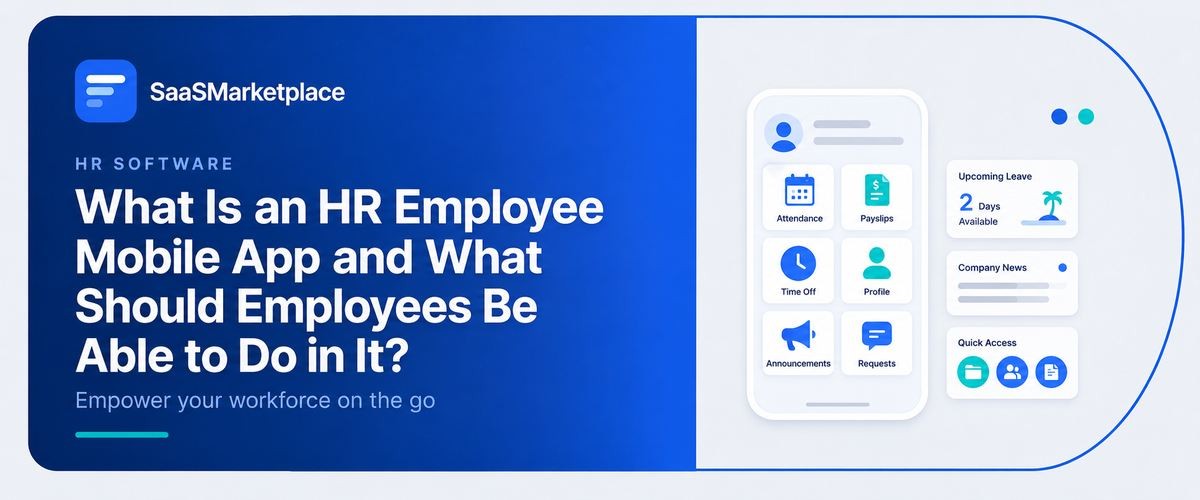
What Is an HR Employee Mobile App and What Should Employees Be Able to Do in It?
-min.jpg)
What Is an HR Employee Mobile App and What Should Employees Be Able to Do in It?
Over the past few years, the dynamics of the workplace have changed quickly. Deskless personnel, field engineers, retail workers, and hybrid experts now demand the same digital ease in their professional lives as they do from consumer tools in their personal lives. Waiting until employees are seated in front of a desktop computer to ask for time off, go over a pay stub, or check benefit coverage causes needless friction.
 Looking for an HR Employee Mobile App? Check out SaaSmarketplace’s List of the Best HR Employee Mobile Apps in USA for Your Business.
Operations slow down when routine administrative procedures rely on desktop portals or physical papers. HR departments become overwhelmed with repetitive emails, shift management turns disorderly, and employee happiness sinks. Implementing a specialized HR employee mobile app closes this functional void. Essential self-service features on mobile devices help companies to enable their employees, simplify communication, and minimize administrative traffic throughout every department.
What Is an HR Employee Mobile App and How Does It Work?
A safe portable interface called an HR employee mobile app on a smartphone or tablet connects workers directly to the primary HR software of their organization. Rather than depending on desktop portals, workplace bulletin boards, or paper forms, staff members may manage everyday employment chores from anywhere.
Fundamentally, the program serves as a personal self-service center. It safely connects individual staff members with backend company databases, therefore enabling users to view real-time digital pay stubs, record daily attendance hours, send leave requests, and examine healthcare benefits.
Adopting a mobile-first strategy frees overburdened HR departments from regular administrative chores, therefore benefiting rising businesses. Direct control over their own workplace data for frontline employees, field technicians, and remote workers eliminates daily operational friction and lowers never-ending email chains.
Do You Know?
Organizations that change from paper forms to a committed HR employee mobile app cut down on regular HR administrative questions by as much as 45%. Direct access to pay stubs, leave balances, and benefits information for deskless employees removes thousands of regular emails and phone calls each year.
Unlocking Workforce Autonomy: The Shift to Mobile Self-Service
Centralized office contacts have been critical for basic workforce management for decades. Frontline employees had to call or email human resources directly if they needed to update their home address or check their outstanding holiday hours. This generated ongoing administrative backlogs and left field workers feeling cut off.
Connecting your workforce through modern HR software changes this dynamic entirely. Giving staff a special mobile app moves regular administrative tasks from centralized departments right down to individual employees.
When a business implements a simple mobile HR app, team members get full access to their employment information. Smartphone access lets staff members directly control their work life without desktop access, whether they are examining health insurance coverage at a doctor's office or checking shift schedules before a morning trip.
What Should Employees Be Able to Do in an HR Employee Mobile App?
A contemporary mobile workspace is much more than a pared-down website. It serves as an interactive operational center meant particularly for rapid data retrieval and fast touch inputs.
Digital Paystubs and Compensation Records
For loan applications, tax filings, or personal budgeting, employees usually want immediate access to financial information. From their phones, employees can view, print, or download present and previous pay slips with a safe HR self-service app. Connecting this interface with unified payroll and benefits software guarantees immediate consistency with current data on tax withholdings, incentive payments, and retirement deductions.
Flexible Time-Off Management
Sending leave applications by mail or handwritten notes frequently causes documents to get misplaced and approval processes to slow down significantly. By utilizing a user-friendly staff self-service web interface, workers can check their current available days instantly, pick specific dates using a graphical calendar display, and file their requests within mere seconds.
Mobile Time Tracking and Attendance
For field technicians, medical professionals, and remote crews, logging hours on an office's actual clock-in equipment is not feasible. Features of a modern HR mobile app include GPS-enabled clock-in solutions that let employees precisely log start and finish times from assigned work locations while maintaining correct time-tracking data.
Desktop Portals vs. Handheld Applications
Understanding the practical differences between legacy desktop web portals and mobile-native setups helps business leaders choose the best architecture for their workforce.
|
Functional Capability |
Traditional Desktop Web Portal |
Modern HR Employee Mobile App |
|
Accessibility |
Requires a desktop computer and office network access |
Accessible anytime, anywhere via personal or company smartphones |
|
User Authentication |
Manual passwords and complex multi-factor setups |
Fast biometric access via fingerprint or facial recognition |
|
Push Notifications |
Relies on email alerts that often get missed |
Instant home screen alerts for schedule changes and approvals |
|
Field Usability |
Poor mobile screen formatting and clunky navigation |
Touch-optimized interfaces designed for quick single-handed inputs |
|
Document Scanning |
Requires dedicated desktop scanners for paperwork |
Built-in camera capture for rapid expense receipts and IDs |
Modernizing Shift Management and Scheduling Realities
Scheduling challenges and price bands often generate dollars per year beyond regulation due to contingency times and productivity in the wrong place. Frontline managers typically struggle to make up for unexpected absences while discovering people are stuck on rigid schedules.
Connecting your employee portal to specialist workforce management software converts scheduling into a flexible, cooperative process.
An active employee app for HR duties allows team members to quickly update their weekly availability, start peer-to-peer shift swaps, or claim open shifts. Using a specialised workforce mobile app to automate these shift changes helps busy teams to lower unplanned absences and remove manual phone chains.
Instant HR Support: Instant Answers via Conversational AI
Regular workforce questions can really overburden human resource personnel. Every week, questions like "How many sick days do I have left?" or "Where do I get my medical insurance card?" take up many precious administrative hours.
Integrating smart HR chatbot technology right inside your mobile HR platform gives staff members ongoing, immediate responses.
An integrated assistant may scan company policies immediately to address benefits concerns, clarify expenditure rules, or walk the user through policy updates when a team member utilizes an HR application for staff members. This automated help frees internal HR departments to concentrate on strategic projects while also giving quick, correct responses to staff members.
Scaling Mobile Solutions: Small Teams to Enterprise Systems
A small local company has quite different software requirements from a big international corporation. Choosing software that scales alongside your staff count helps your expenditure to stay relevant throughout time.
Tailored Solutions for Growing Businesses
Smaller companies need straightforward tools that set up quickly without complex IT overhead. Deploying intuitive small business HR software with mobile support ensures team members track hours and access tax documents without needing a dedicated IT administrator on site.
Data Synchronization for Enterprise Systems
Larger organizations managing complex, multi-state or global workforces rely on centralized records. Connecting a handheld interface to underlying HRIS software ensures employee updates sync safely across central databases.
Strict data governance, enforcement of role-based access policies, and simplification of worldwide compliance are all preserved as organizational structures grow, as handheld devices are connected with full HRM software and unified HCM solutions.
Strategic Insights for HR Leaders
Mobile interactions generate valuable operational data. Integrating your mobile platform with cutting-edge HR analytics tools provides leaders with obvious insights into vacation patterns, shift completion rates, and employee involvement data across several sites.
Security and Data Protection Standards for Mobile Devices
Robust digital security policies are necessary to let staff members access sensitive payroll data and personal records from their personal mobile devices.
Mandatory Security Safeguards
- Biometric Identity Checks: To make sure lost or stolen phones stay safe, it requires your Face ID or fingerprint identification before letting you access confidential application displays.
- Encrypted Data Transmissions: Encrypted data transmissions protect all personal data exchanged between the mobile device and the corporate servers using enterprise-grade encryption.
- Remote Session Control: When staff depart the firm or misplace their device, admins may instantly strip application permissions.
- Role-Based Information Masking: Conceals sensitive tax numbers and bank information behind obscured fields until further identification verification passes.

Pro-tip
When implementing an HR worker cell app in an assigned team, immediately implementing biometric login options such as facial recognition or fingerprint scanning and removing the need to remember complex passwords significantly increases the initial app sign-in rate, especially for non-desk employees like never company never use it
Conclusion
Providing staff with a specific HR mobile application has shifted from being merely a useful benefit to becoming a fundamental part of how modern companies grow. Leaving behind physical documents and computer-only systems removes expensive delays in administration, safeguards your pool of workers, and offers your group the adaptability they require. When you allow people to manage their own timetables, salary details, and perks right on their phones, you create a clearer, faster, and more involved company starting at the very base.
FAQ's
It gives non- front desk personnel can now directly control mobile entry into their wage slips, timetables, and leave applications, eliminating the need for an office machine or supervisor involvement.
It uses enterprise- grade encryption, biometric authentication checks, and auto-terminating sessions ensure that user data remains secure when accessed via handheld gadgets.
Yes, employees can view real- time off-equilibrations, pick days via a clickable schedule, and file leave petitions straight from mobile devices.
They dispatch immediate push alerts upon schedule modifications, enabling staff to seize available shifts or exchange duties with colleagues without difficulty.
Indeed, smaller enterprises employ handheld applications to streamline temporal logging, ease wage disbursement, and diminish standard bureaucratic duties.